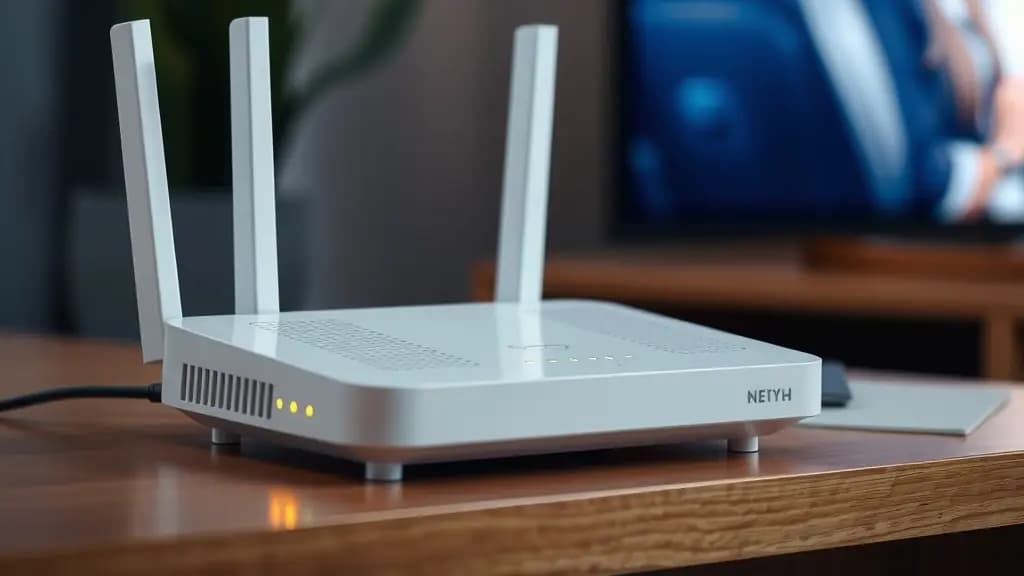
Buffering happens when your device receives a stream more slowly than it plays it. The player app runs out of the video it has stored, so it pauses to catch up. Most of the time the cause is somewhere between your router and your TV, which means you can usually fix it yourself.
First, work out where the problem is
Try a second channel and then an on-demand film.
- Only one channel buffers: the problem is probably with that stream. Tell your provider which channel and when.
- Everything buffers: the cause is most likely your connection, home network or device. Work through the fixes below in order.
Nine fixes for IPTV buffering
1. Restart your router and device
Unplug both for 30 seconds, then plug the router back in first and wait for it to connect. This clears temporary faults and is the fix that works most often.
2. Use a wired connection
A network cable from the router to your TV or box gives a much steadier connection than Wi-Fi. For a Fire TV Stick, an Ethernet adapter does the same job.
3. Improve your Wi-Fi coverage
Thick walls, floors and kitchen appliances weaken Wi-Fi. If your TV is two rooms away from the router, a mesh Wi-Fi system or a powerline adapter can make a big difference.
4. Pause other heavy use
Game downloads, cloud backups and other people streaming in 4K all share your connection. Pause them and see if the buffering stops.
5. Check your speed on the TV itself
Run a speed test on the device you watch on, not your phone. As a rough guide, allow around 5 Mbps for each HD stream and 15 to 25 Mbps for 4K. Our article on broadband speed for IPTV explains more.
6. Lower the picture quality
Most player apps let you choose a lower quality stream. Dropping from 4K to HD, or from HD to standard definition, often stops buffering on a slower line.
7. Increase the app's buffer size
Some apps, including TiviMate, let you increase the buffer size in their playback settings. A bigger buffer stores more video in advance and rides out short dips in speed.
8. Clear the app's cache or reinstall it
On a Fire TV, go to Settings, Applications, Manage Installed Applications, choose your player app and select Clear cache. If problems continue, uninstall and reinstall the app.
9. Try a different DNS server
Changing your router's or device's DNS setting to a public service such as Cloudflare (1.1.1.1) or Google (8.8.8.8) can sometimes help streams start more quickly.
Why buffering gets worse in the evening
Broadband networks are busiest in the evening, when most UK households are online at once. If buffering only happens between about 7pm and 11pm, the cause may be congestion on your broadband provider's network. Run speed tests at different times to see whether your speed drops at night, and contact your broadband provider if it does.
Still buffering?
If you have tried all nine fixes, contact your IPTV provider with your device, your player app, your broadband provider and the times it happens. King of Stream customers can email our team, and every plan has a 7-day money-back guarantee, so you are never stuck with a service that does not work on your connection.